Bisha Hub for Windows
The browser that becomes your workspace.
Browse normally. Organize your work. Bring supported agents in when you need them. Now available for Windows Early Access.
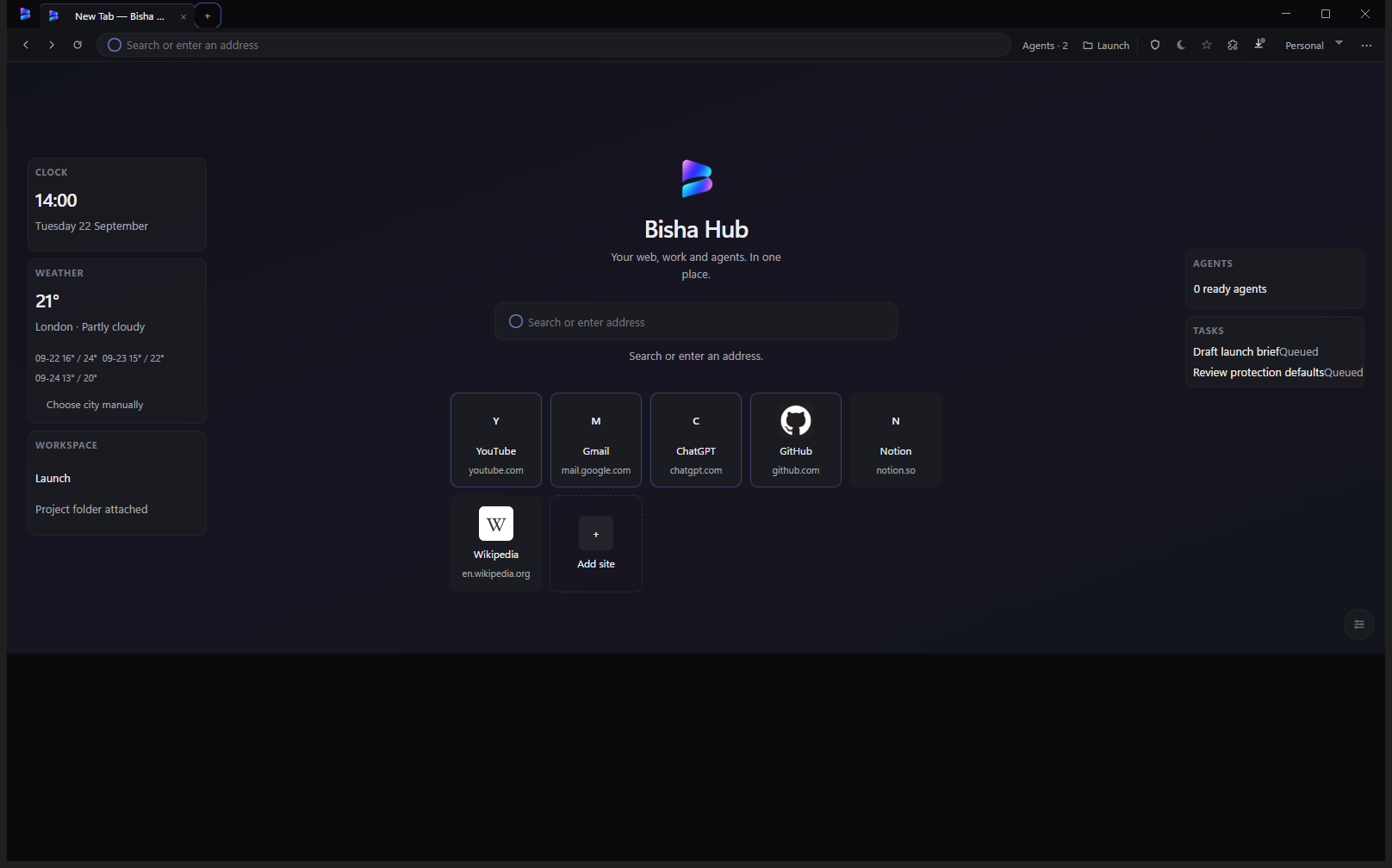
Browser first
Your browser comes first.
Bisha should feel complete before an agent ever enters the picture. Tabs, profiles, bookmarks, history, downloads, extensions, and site controls — the foundations stay familiar.
Tabs & profiles
Separate contexts without leaving the browser.
Bookmarks & history
Find your way back the way you already know.
Downloads
Files land where you expect them.
Extensions
A foundation built for controlled extensibility.
Site controls
Permissions and appearance stay under your hand.
Browser
The web, without another layer in the way.
Chromium browsing with modern browser chrome, profiles, and familiar foundations. Use Bisha as a browser — nothing more required.
- Chromium-based browsing
- Modern browser chrome
- Profiles for separate contexts
- Familiar browsing foundations
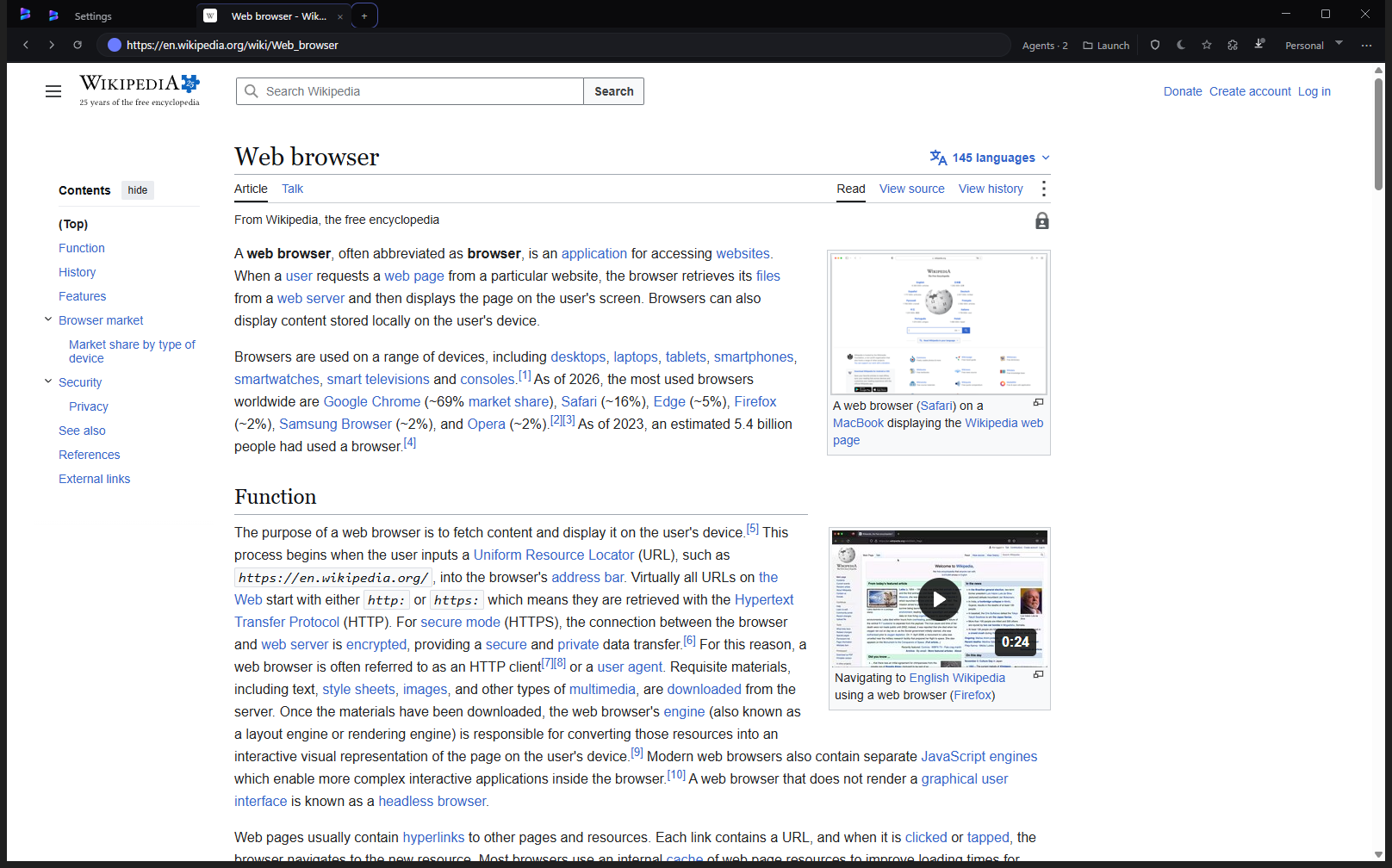
Bisha Home
Make the browser yours.
Curated themes, backgrounds, Quick Access, and slot-based widgets — Finance, Weather, Workspace, and tasks where available — without turning New Tab into another dashboard product.
- Curated themes & backgrounds
- Quick Access
- Slot-based widgets
- Home that stays under your control
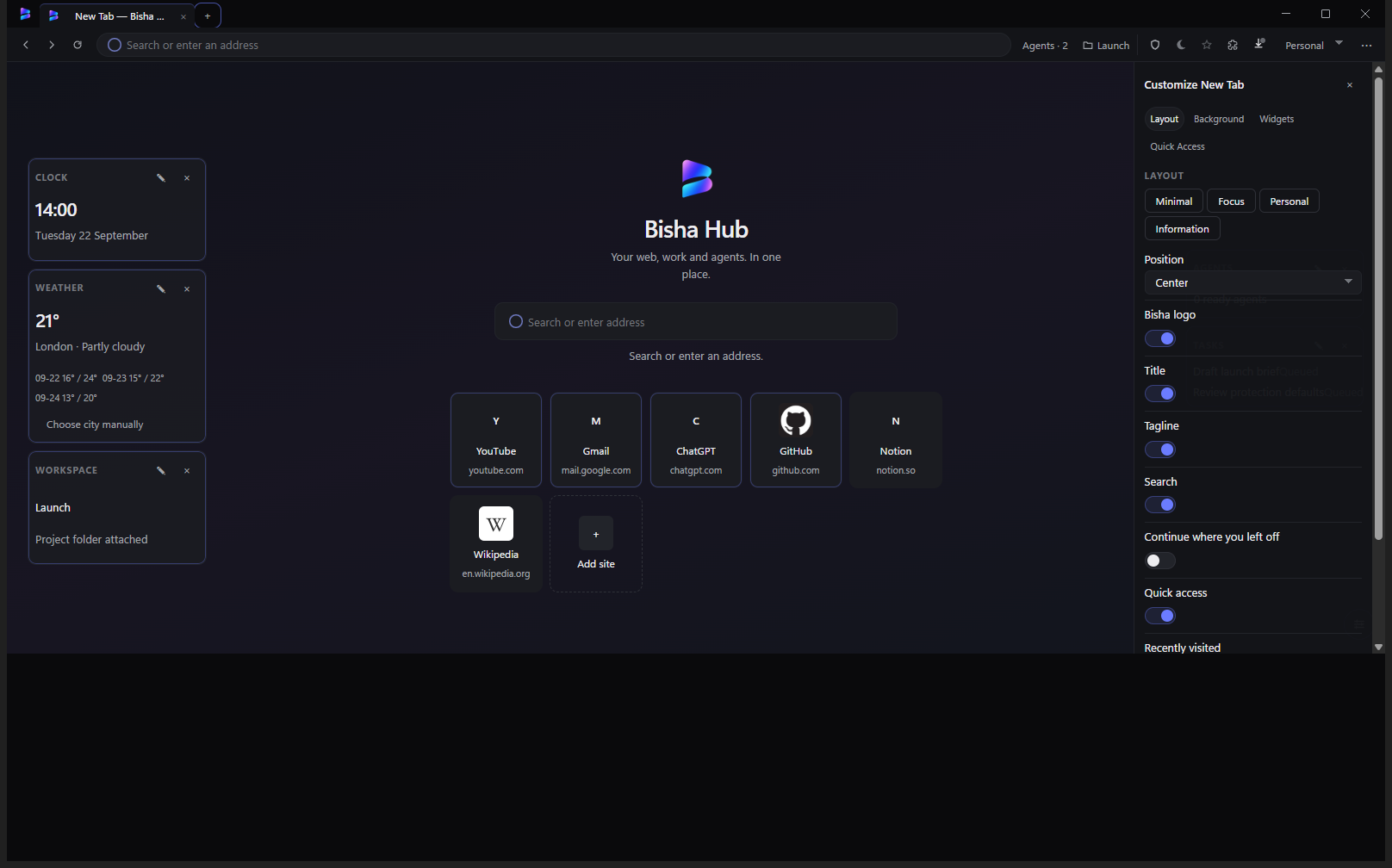
Workspaces
Keep the web close to the work.
Project context, browser, and tasks in one place — without forcing you into another app. The web stays the center of gravity.
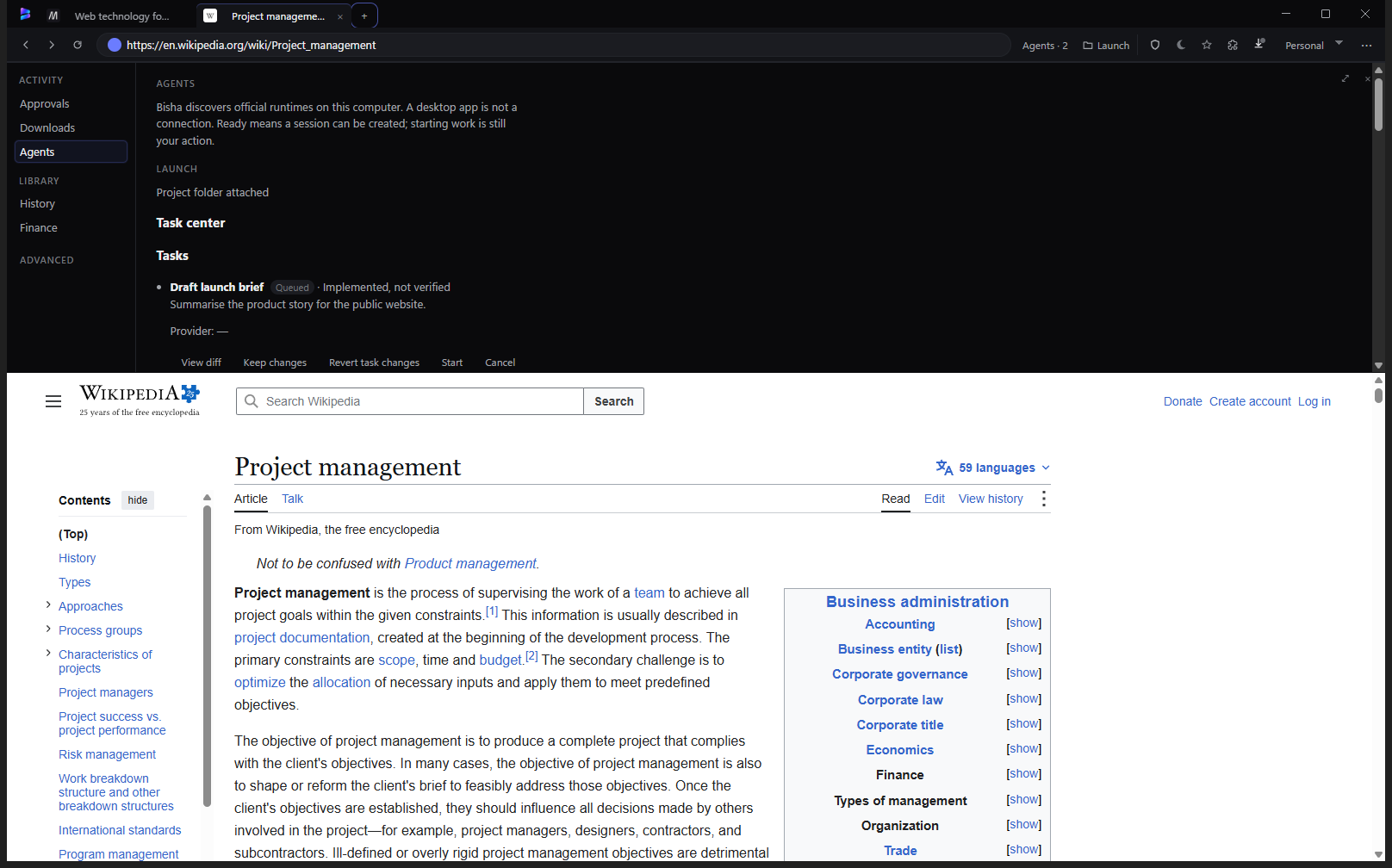
Agents
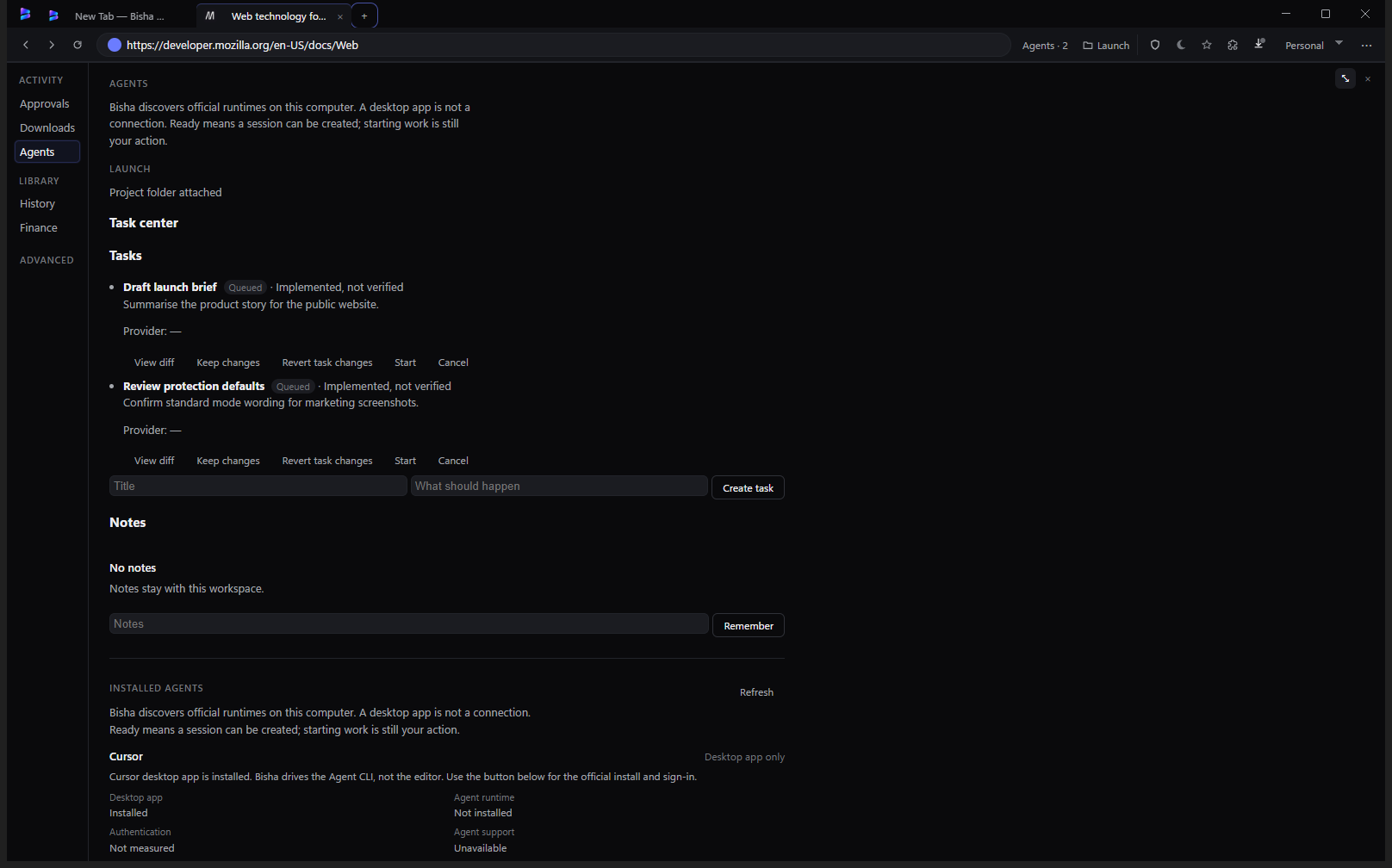
Agents when you want them. A browser when you don't.
Let supported agents work in the background while you keep browsing. Inspect something on a local site, ask an agent to fix it, and let Bisha verify the result — through explicit, controlled capabilities.
Privacy & security
Built around boundaries.
Local-first state, profile isolation, explicit permissions, private browsing, and controlled agent access — architecture concepts, not padlock marketing.
Explore Security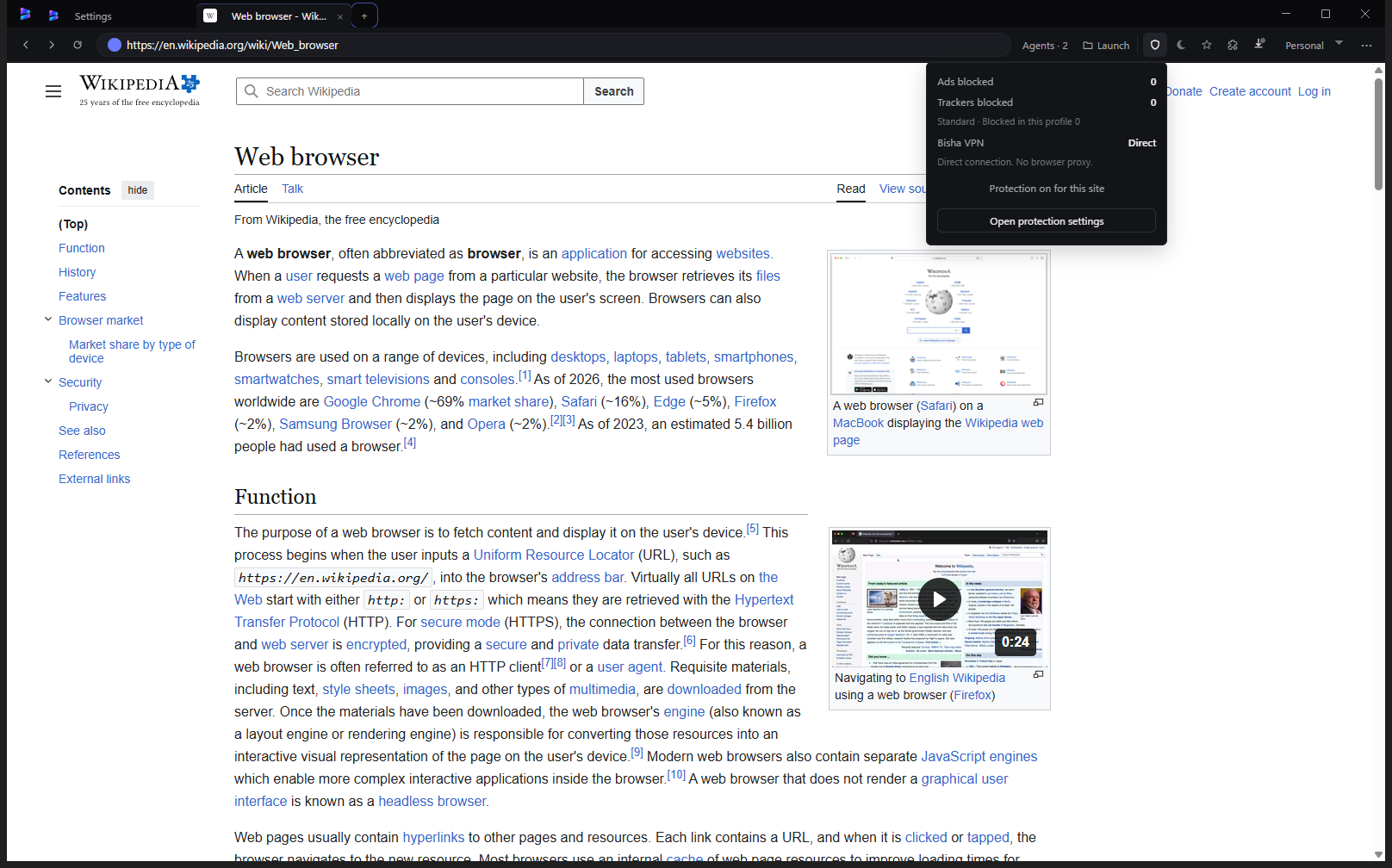
Local-first
Your browsing state stays on your machine by default.
Profile isolation
Separate contexts keep work and personal cleanly apart.
Explicit permissions
Sites and agents ask; you decide.
Private browsing
Sessions that leave less behind.
Controlled agent access
Capability boundaries before any action.
Personalization
Your browser should feel like yours.
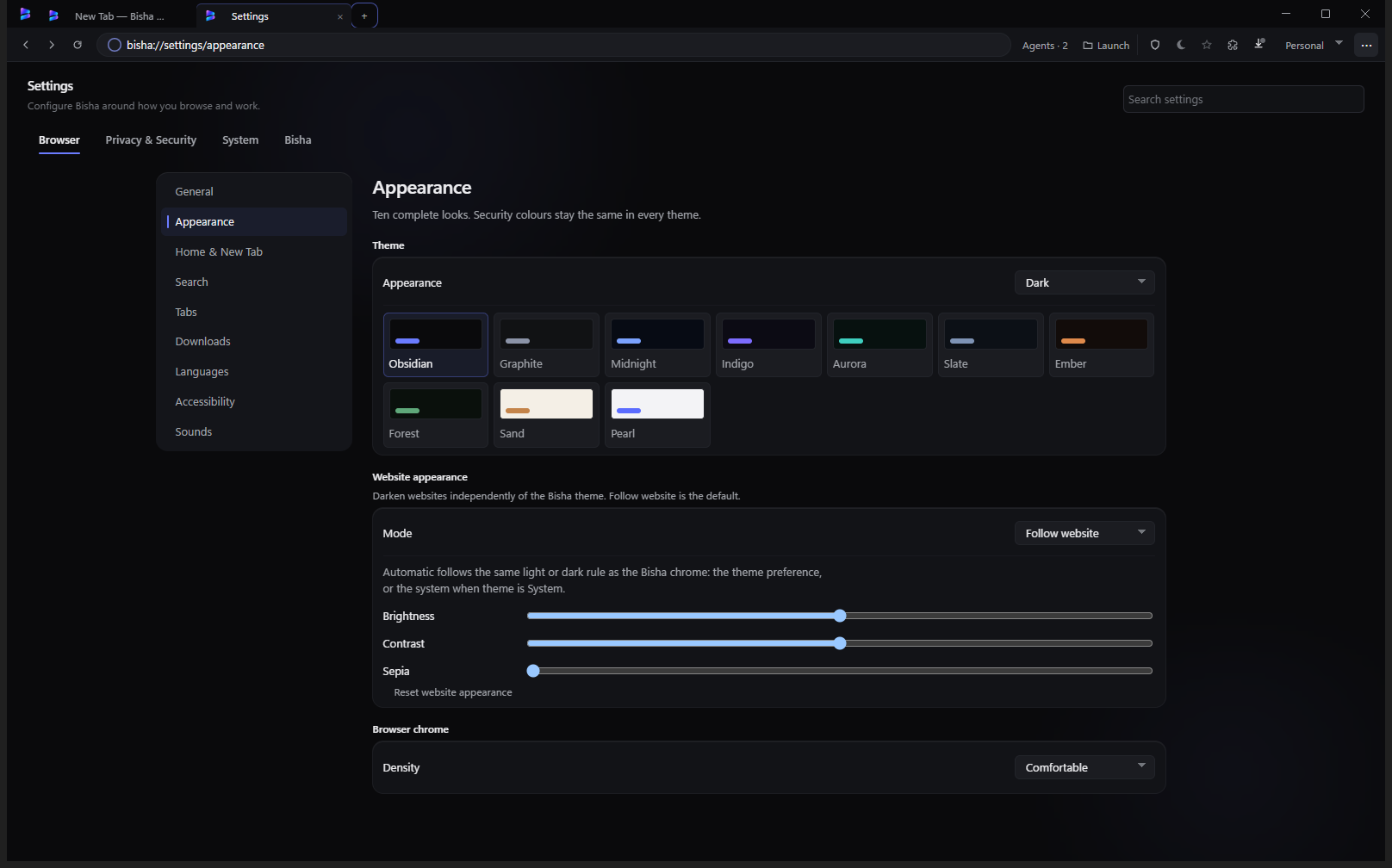
Curated Bisha themes, light and dark examples, wallpapers, and Home customization — expressive where it helps, restrained where it matters.
- Curated themes
- Light & dark
- Wallpapers
- Home customization
Community
Built to evolve.
An open product direction: contributions, extensions, themes, provider adapters, and release notes as the project matures.
- Community contributions
- Extensions & themes
- Provider adapters
- Release notes